

Crafting Traditional Kumiko Keychains with a Parametric In-Browser Customiser
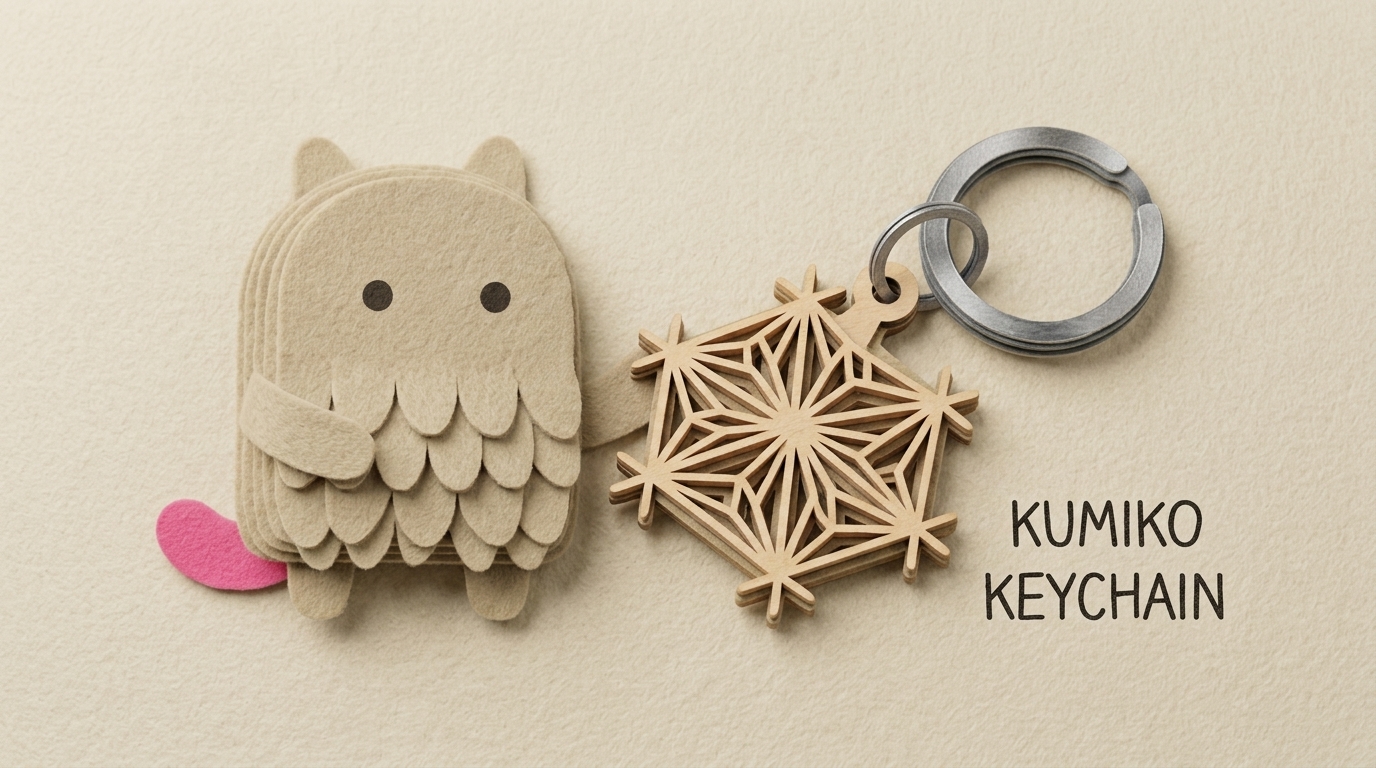
Kumiko (組子) is a centuries-old Japanese woodworking technique where wooden pieces are slotted together without nails to create delicate, mesmerising geometric patterns. Traditionally found in shoji screens, room dividers, and lanterns, Kumiko patterns carry deep cultural symbolism—from the hemp leaf (Asa-no-ha) representing vitality and resilience, to the bellflower (Kikyo) representing elegance.
To bring this art form into the modern maker space, I developed the Kumiko Keychain Customiser—an interactive, browser-based CAD utility that allows anyone to design, customise, and export production-ready 3D printable Kumiko keychains in real time.
You can try the live tool directly at 3dmodel.tools/kumiko-keychain, or grab pre generated STL files from the community repositories:
The Intersection of AI Assistance and Mathematical Craftsmanship
When developing this project, I leveraged modern AI agents to build out the application framework. The front-end user interface, responsive state management, Three.js 3D viewport integration, and Replicad / OpenCASCADE WebAssembly geometry orchestration were developed with AI assistance.
However, the geometric pattern generation algorithms were completely hand-coded.
Translating traditional Kumiko motifs into watertight, manifold 3D solids requires precise trigonometric calculations, intersection handling, and parametric offset rules to ensure that the delicate lattices remain structurally sound when 3D printed. Each pattern—from Goma-gara to Kasane Rindo and Yae Kikko—was manually programmed to ensure clean CAD topology, smooth corner fillets, and slicing reliability.
Step-by-Step Guide: How to Use the Customiser
The customiser runs entirely on client-side WebAssembly, meaning all CAD calculations and mesh exports happen directly in your browser with zero latency and no server queue.
Step 1: Interface Overview & 3D Viewport Navigation
When you load the Kumiko Keychain Customiser, you are presented with a real-time 3D preview on the right and parameter controls on the left:
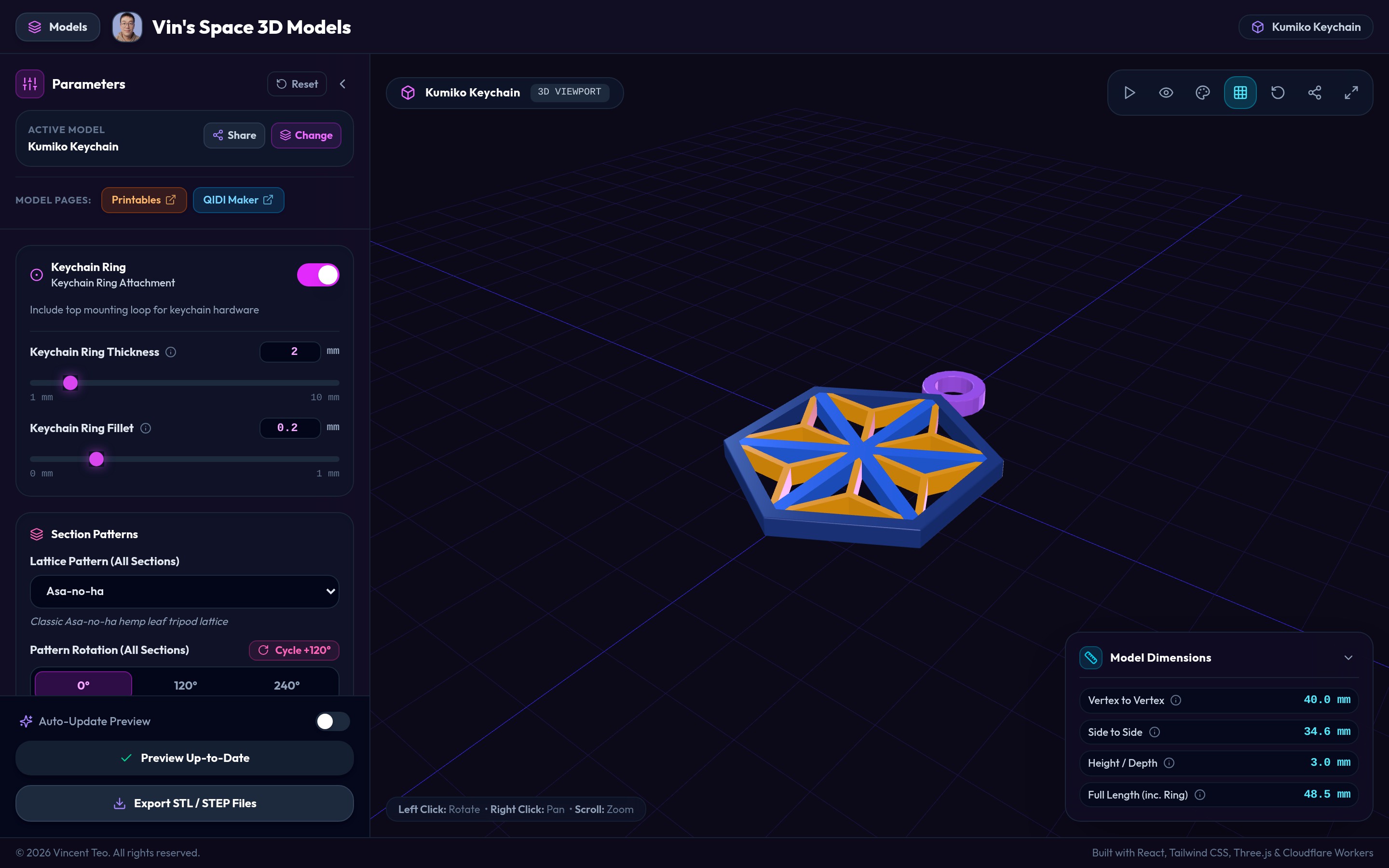
- 3D Navigation:
- Left Click + Drag: Orbit and rotate around the model.
- Right Click + Drag: Pan the viewport.
- Scroll Wheel: Zoom in and out.
- Top Toolbar: Toggle ground grid, reset camera, change lighting themes, or enter fullscreen.
- Live Dimension HUD: Located in the bottom-right corner, displaying live vertex-to-vertex width, side-to-side width, total depth, and overall length (including keychain ring).
Step 2: Selecting and Rotating Kumiko Patterns
A hexagonal Kumiko frame naturally divides into six 60° triangular sectors. The customiser offers two flexible modes:
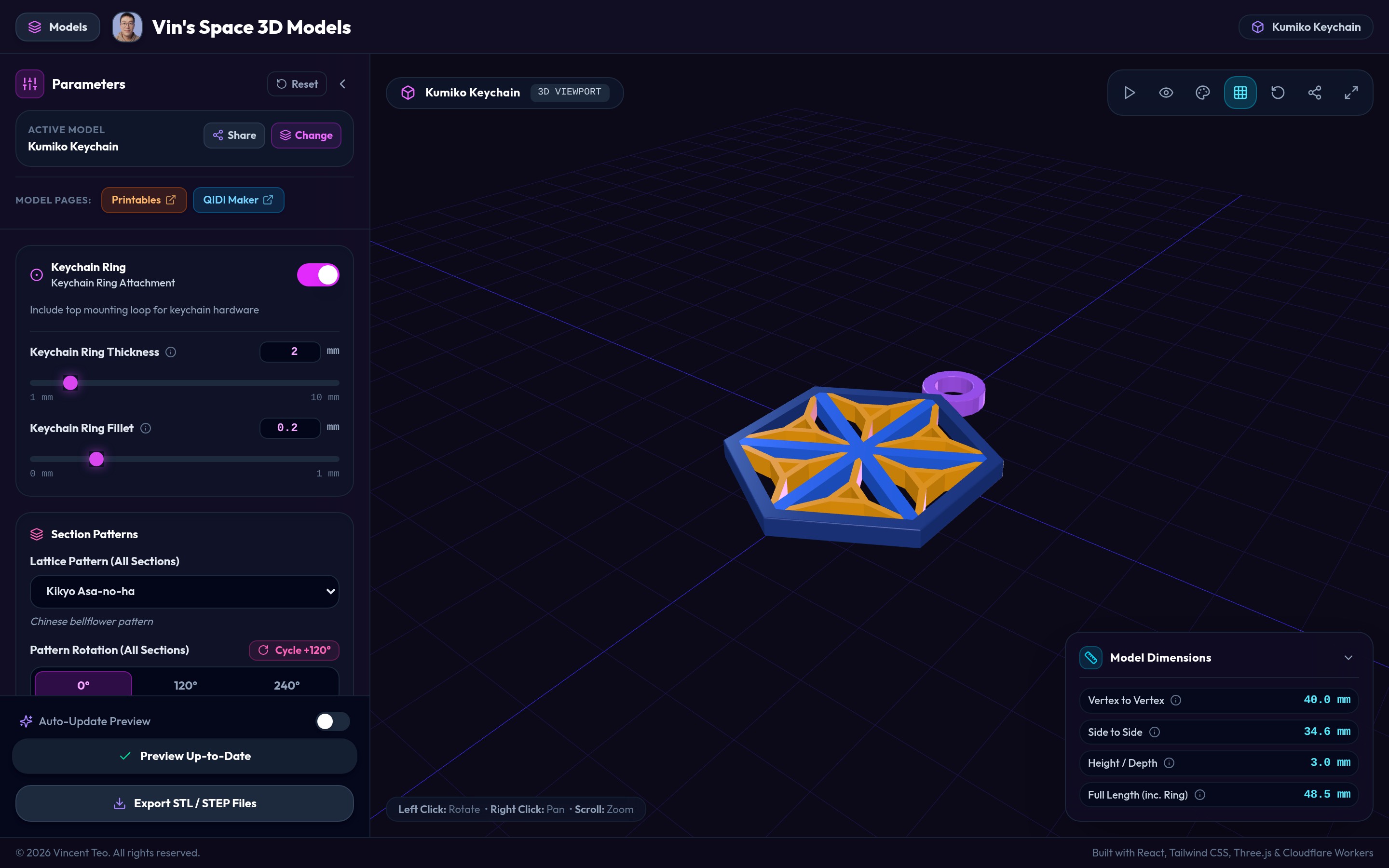
- Uniform Pattern Mode: Select a single pattern from the dropdown (such as Asa-no-ha, Ryuso Asa-no-ha, Goma-gara, Kikyo, Mikado, Kasane Rindo, or Bishamon Kikko) to apply it across all six sectors uniformly.
- Cycle Pattern Rotation: Click the Cycle +120° button or pick explicit 0°, 120°, or 240° rotational orientations to alter the alignment of the internal lattice.
- Per-Sector Customisation: Tick "Customise each section individually" to assign different patterns and rotations to individual sectors (Section 1 through Section 6), opening up endless asymmetric and hybrid geometric possibilities.
Step 3: Fine-Tuning Dimensions & Hardware Tolerances
You have full parametric control over the structural dimensions to match your printer's nozzle resolution and keyring hardware:
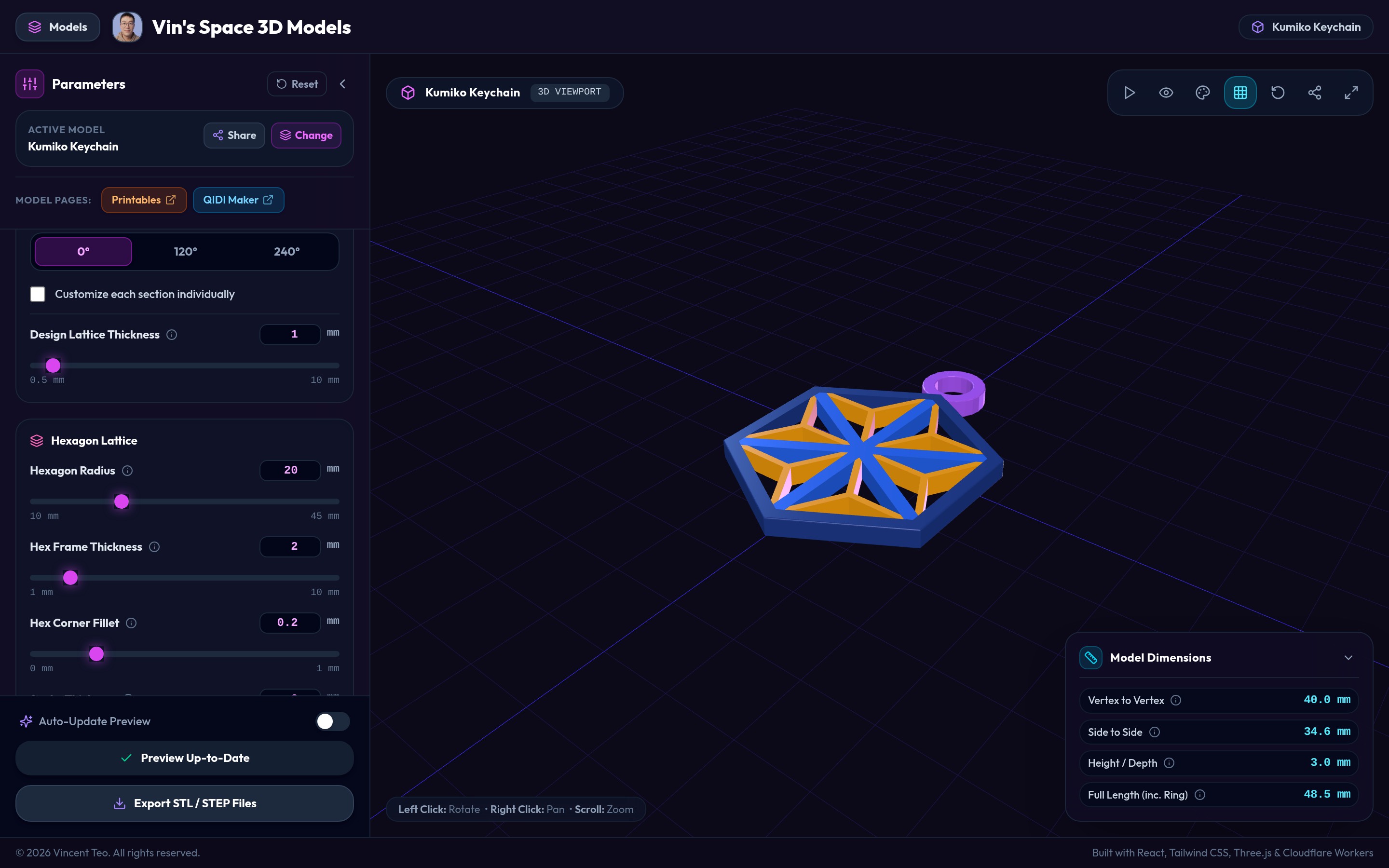
- Keychain Ring Attachment: Toggle the top mounting loop on or off, and adjust its inner diameter, wall thickness, and outer fillet.
- Hexagon Radius: Set the overall scale of the keychain (10 mm to 45 mm).
- Hex Frame Thickness: Configure the outer border perimeter thickness (1 mm to 10 mm).
- Hex Corner Fillet: Add subtle rounding to the outer corners for a smooth, pocket-friendly finish.
- Design Lattice Thickness & Spoke Thickness: Dial in the width of the inner struts to suit your nozzle size (e.g., 0.8 mm – 1.2 mm for standard 0.4 mm nozzles).
- Pattern Height / Depth: Adjust the total Z-axis thickness (default: 3.0 mm).
Step 4: Exporting 3D Printable STL & STEP Files
Once you are happy with your custom design, click the Export STL / STEP Files button at the bottom of the sidebar:
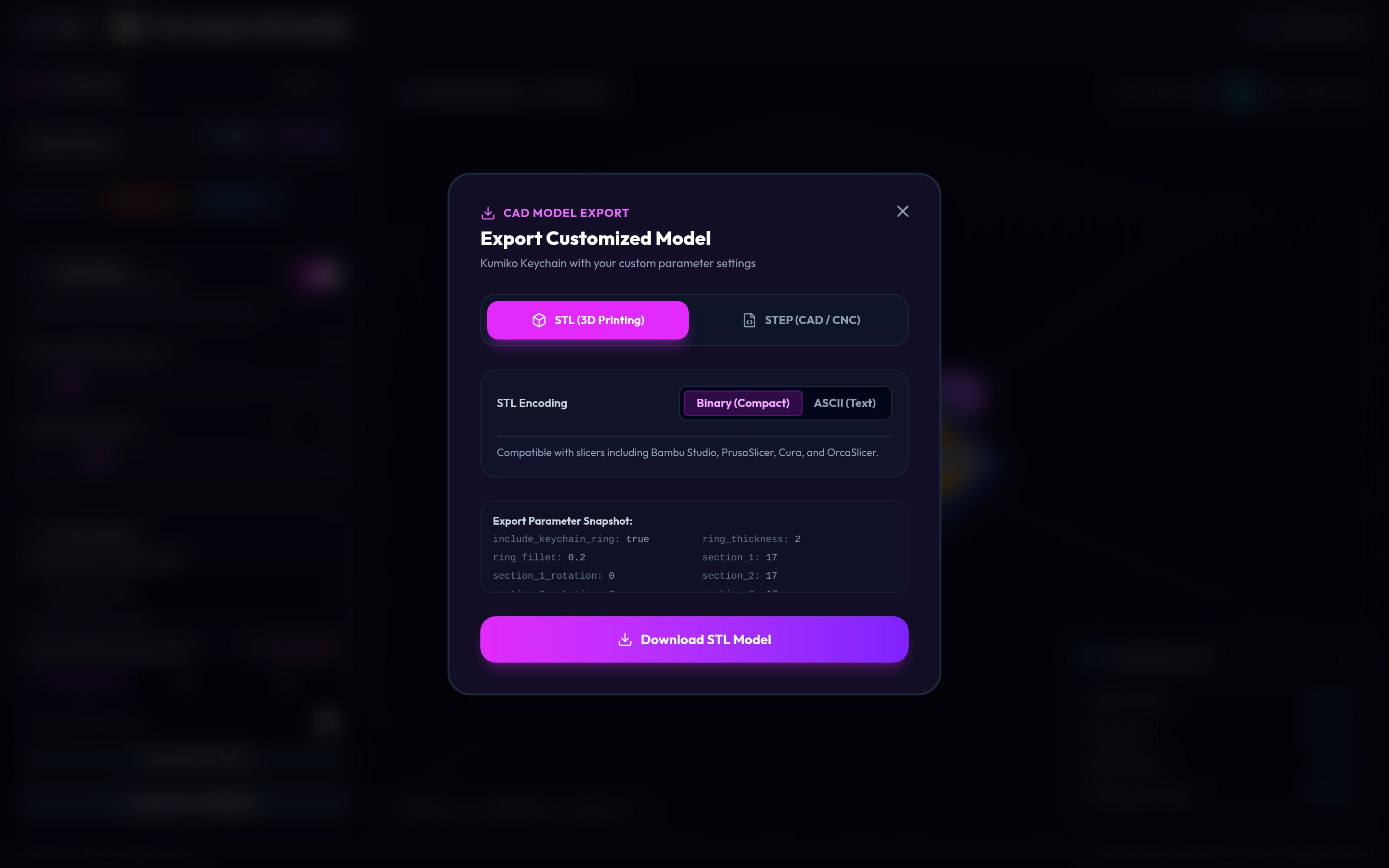
- STL (3D Printing): Choose between Binary (Compact) or ASCII (Text). Ready to drop directly into Bambu Studio, OrcaSlicer, PrusaSlicer, or QIDISlicer.
- STEP (CAD / CNC): Generates a high-precision STEP solid model suitable for parametric CAD assemblies or CNC machining.
- Click Download STL Model to save your customised file instantly.
3D Printing Recommendations
To get the cleanest results with your printed keychain:
- Nozzle & Layer Height: A standard 0.4 mm nozzle works well with 0.12 mm to 0.16 mm layer heights. For ultra-fine pattern details, a 0.2 mm nozzle produces razor-sharp lattice edges.
- Enable Ironing: Turn on top surface ironing in your slicer. This gives the top faces of the Kumiko woodwork pattern a remarkably smooth, pristine finish.
- Multi-Color Printing: If you download the STEP file, the frame, spokes, and pattern are set as different objects, allowing you to easily assign separate colours to each component in modern slicers (like Bambu Studio, OrcaSlicer, or PrusaSlicer) for multi-colour 3D prints.
Printed Examples
Here are some real-world prints demonstrating how the designs translate from parametric CAD to physical pieces across different materials and pattern variations:
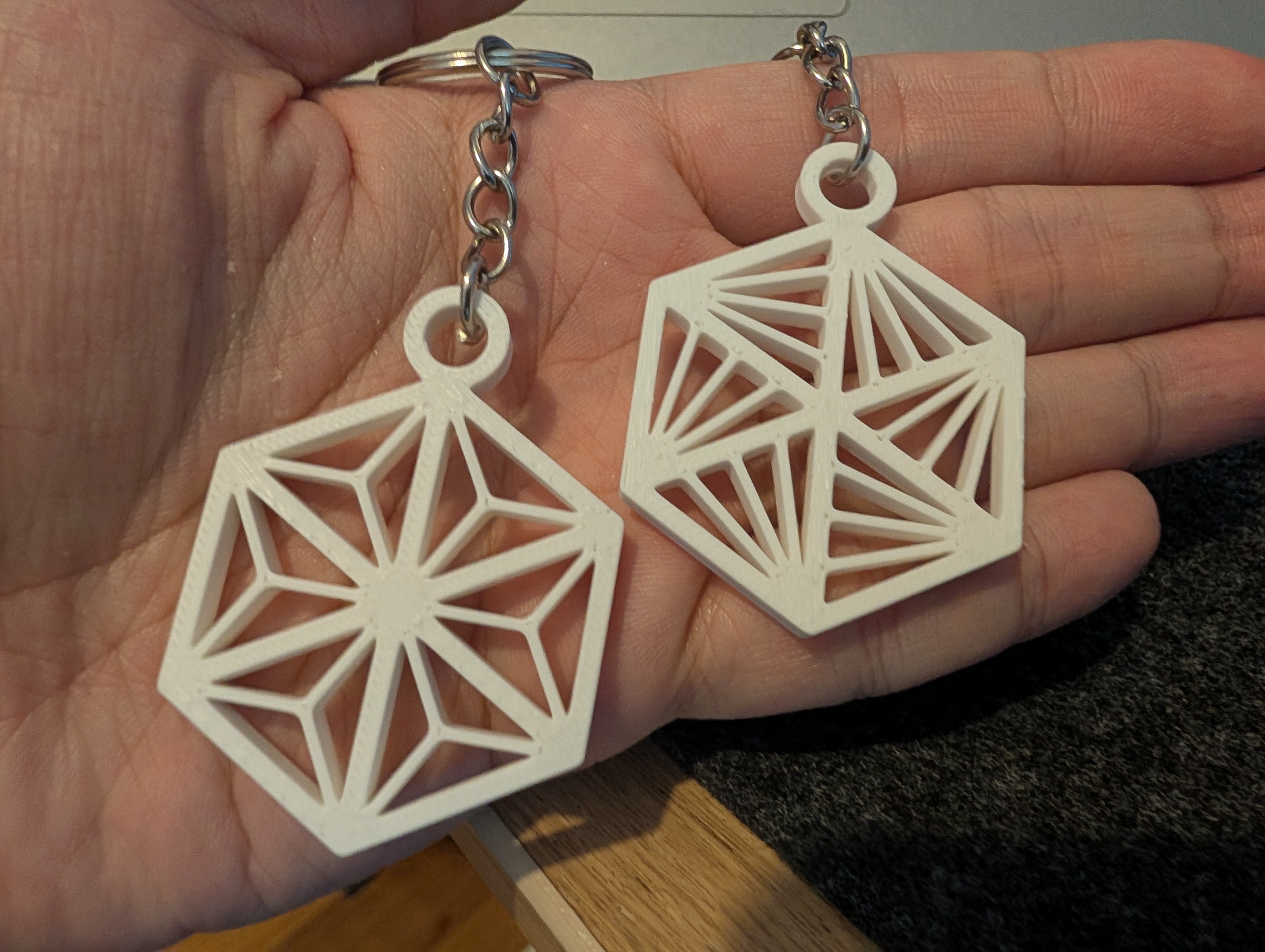
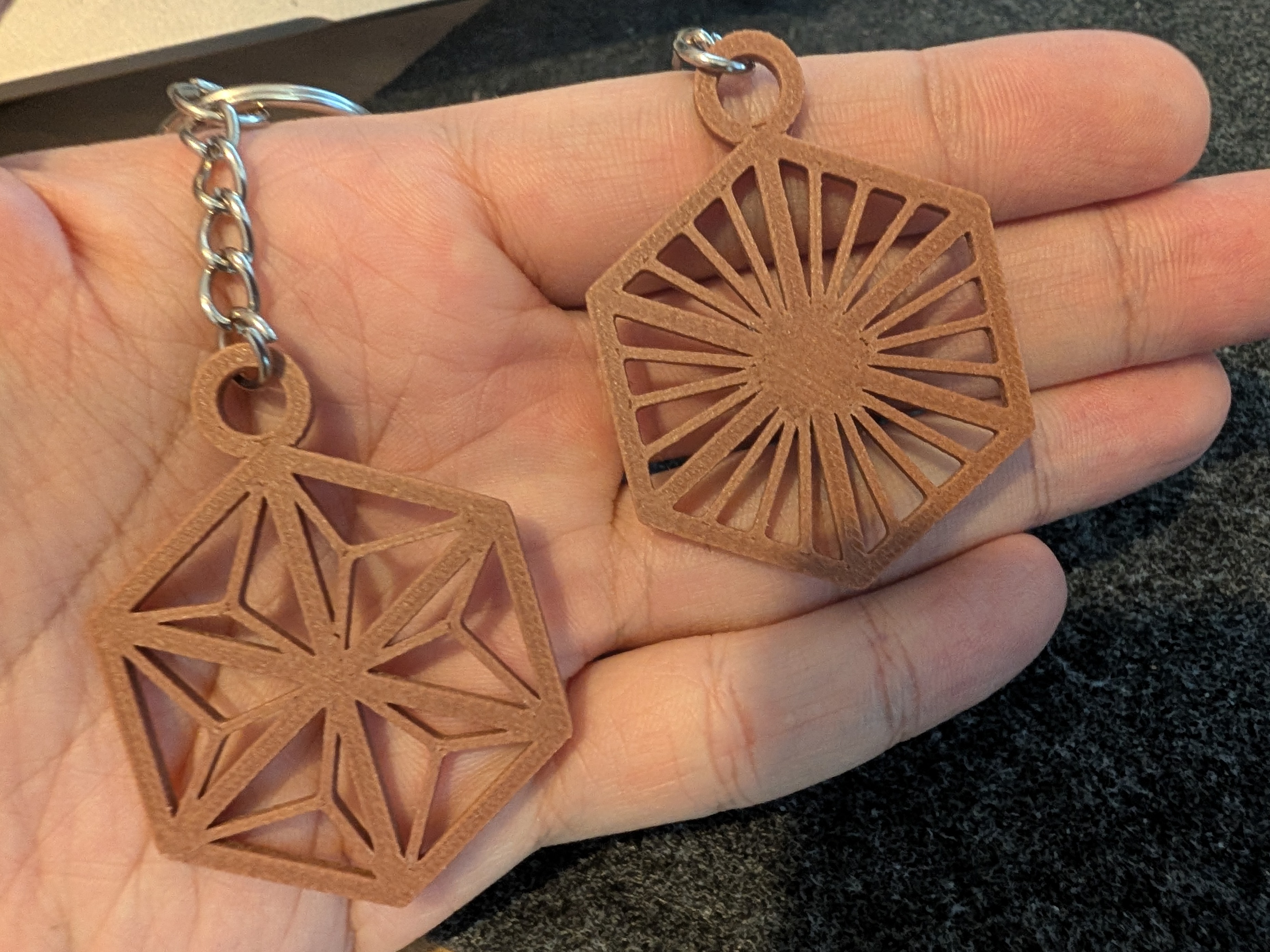
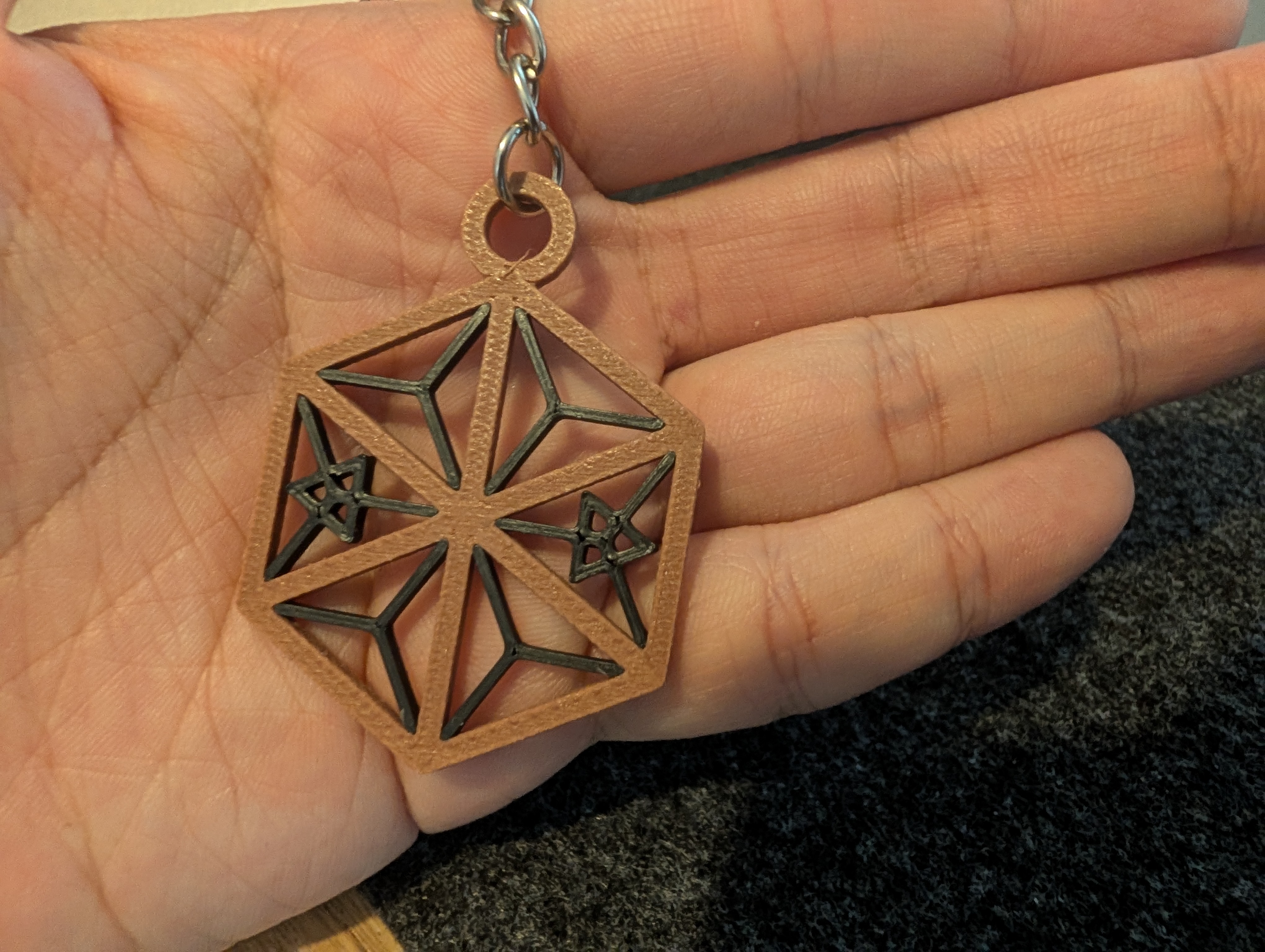
Whether printed in clean white PLA to evoke Japanese shoji paper or in wood-infused filament for an authentic timber look, the delicate geometry catches the light and casts intricate shadows.
Links & Downloads
- Live Web Customiser: https://3dmodel.tools/kumiko-keychain
- Printables: Simple Kumiko Inspired Keychain on Printables
- QIDI Maker: Simple Kumiko Inspired Keychain on QIDI Maker
Have fun designing your own custom Kumiko keychains! If you print one, feel free to share your makes on Printables or QIDI Maker.